
This is a sponsored post for SheSpeaks/Republic Wireless. All thoughts and opinions are my own.
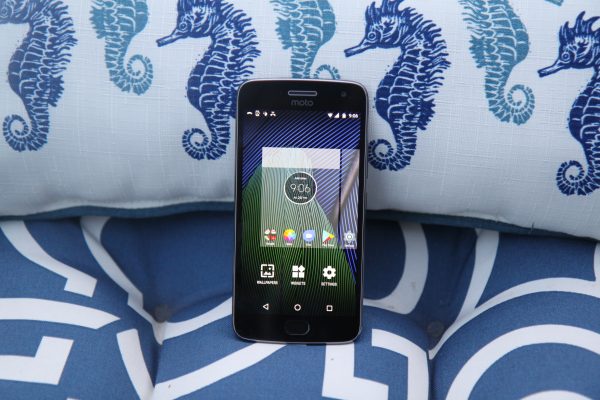
What did we do before cell phones? This is a question I hear people pondering all of the time.
Somehow before cell phones we were able to makeon it through the day. Now, as a parent, I am not sure how I would coordinate all the drop offs/pick offs of my kids without this fabulous technology. When I was growing up, we had to rely on good old fashioned home telephones, pay phones, and plain just waiting for someone to pick us up.
With back to school in full swing and middle school sports in session, it is always a great time to appreciate our cell phones nowadays an re-evaluate our current phones and plans to make sure they still make the more sense for our finances and convenience. Don’t tell my kids but it is really more of a burden on me when I have to take their phones away. At least with all the cellular choices out there now, it doesn’t have to cost a fortune.
My son used the Republic Wireless phone for a few weeks during back to school season. Obviously, he uses it for fun like playing some football games, sending texts to friends, and checking out all his highlight clips from his football team’s videos. The main thing is being able to text and call mom as well as accessing the family calendar on his phone. Accessing the family calendar on his phone is so very important.
Our family calendar is glue that keeps our family on time and at the right events. We have have a Google calendar set up that everyone in the family can access. It has every event, practice, appointment, due dates for permission slips and so much more. Having a phone with an internet connection is so very important to our family for this very reason. My son is one that checks it daily to see what is on his schedule. If I forget to put something on the schedule, yikes, I will hear about it.
We recently tried out a Republic Wireless smartphone and were blown away by the cost savings they offer compared to other brands. Starting at just $15, all Republic plans include unlimited talk and text whether on WiFi or cellular. Date plans start at just $20/month. Better yet, there are no contracts and no hidden fees.
How is Republic Wireless able to deliver high quality service with these savings? Republic’s smartphones deliver high quality and savings by using the less expensive WiFi network when possible and seamlessly connecting to nationwide 4G LTE cellular network whenever necessary. When outside of WiFi coverage, the smartphone works just like a typical smartphone on the cellular networks of national GSM and CDMA carriers.
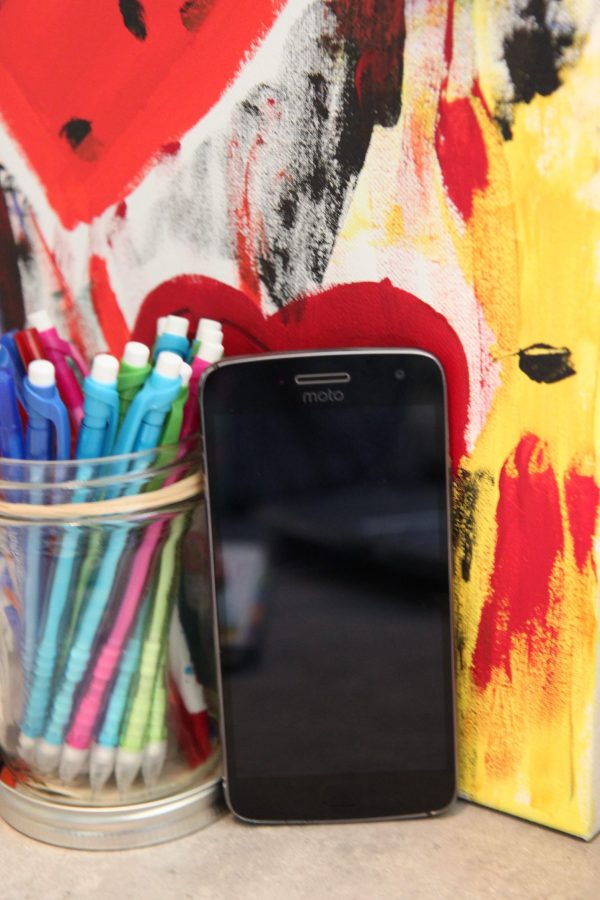
Special deal* for Bargain Briana readers: $20 off service or a phone at republicwireless.com by using the code: BRIANA2017
*Please read these these discount terms and conditions for all the details about this promotion.
Recently, Republic Wireless launched the Republic Anywhere app. This app allows you to sync your Republic number with any device including laptops, phones, and tablets so you can stay connected to your text messages even when you are away from your Republic Wireless phone. This is a free service offered to Republic Wireless customers.
Have you tried Republic Wireless? What do you think?
Hey Bri! I’ve been using Republic Wireless since December. It works great if you have wifi! There are little things that bug me like not being able to send pictures sometimes, dropped calls, missed calls, or if I’m unable to connect to the internet out and about… and don’t get me started about how it didn’t work in Madison; but honestly, I will survive! It sure beats paying $105/mo! Instead I’m paying $20/mo and if I happen to need more data I just switch it real quick on the app. After the month, I switch it back. There really aren’t a lot of times that I don’t have wifi available so it just makes sense for me to go cheap. Plus the phone was only $175! It’s definitely worth a try.